Same app. Just tap Cast.
In an app that supports DLNA / UPnP, tap Cast and choose Car Player. Watch on the car display and control playback from your phone.
Choose a casting device

Car PlayerReady to receive
Car Player English
A charging stop. A friend running late. A quiet break along the way. Bring your videos to the car display and make a little more of the wait.
Something saved on your phone, or a video from an app you already use. Start with the content you have.
In an app that supports DLNA / UPnP, tap Cast and choose Car Player. Watch on the car display and control playback from your phone.
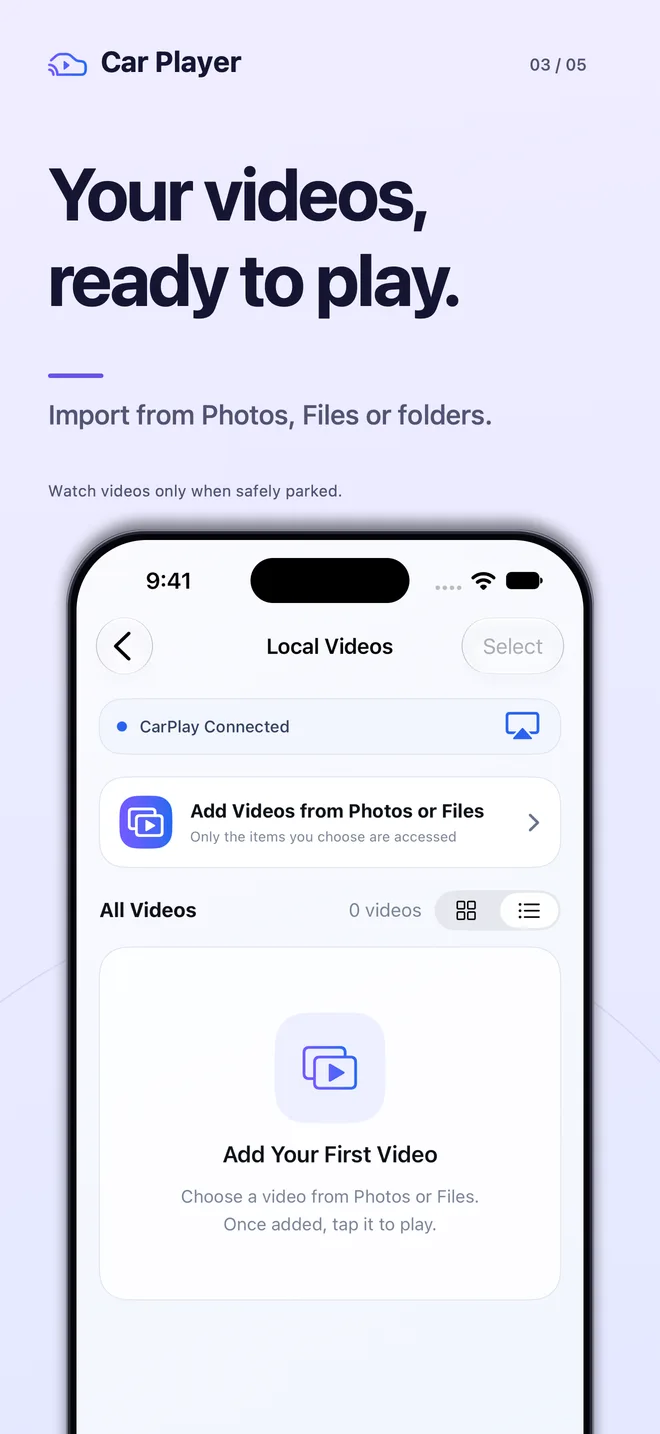
Import videos from Photos, Files or a whole folder. Once your local videos are imported, you can play them without an internet connection.
 Local VideosPhotos, Files, or a whole folderPick up where you left off
Availability depends on your iPhone, vehicle, system and content.
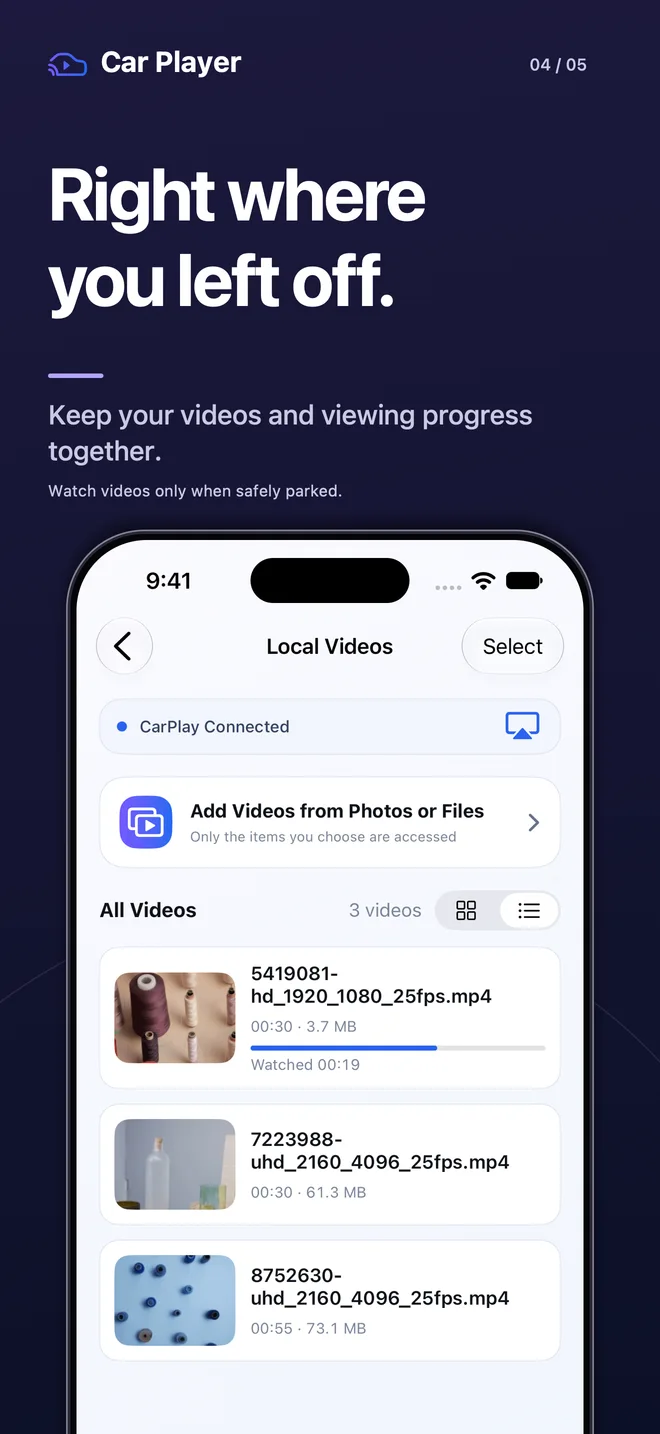
No need to remember where you stopped or start your library from scratch. Open Car Player, find your video and pick up from there.
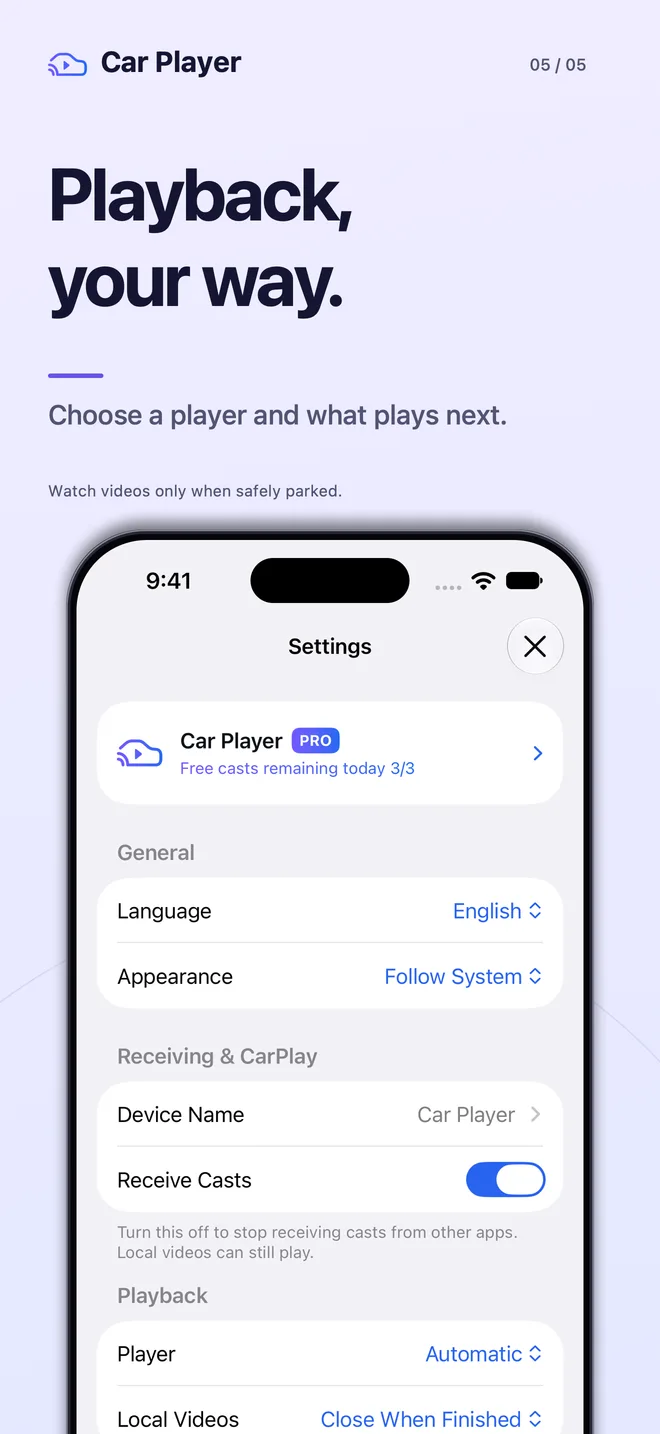
Use the system player, MPV or VLC. Automatic selection tries another if loading fails or times out.
Play the next video, repeat the current one, or close when it ends. Set it to suit what you watch.
Switch between a list and a grid, with thumbnails and playback progress in view.
No account needed. Local videos and viewing progress aren’t uploaded to our servers.
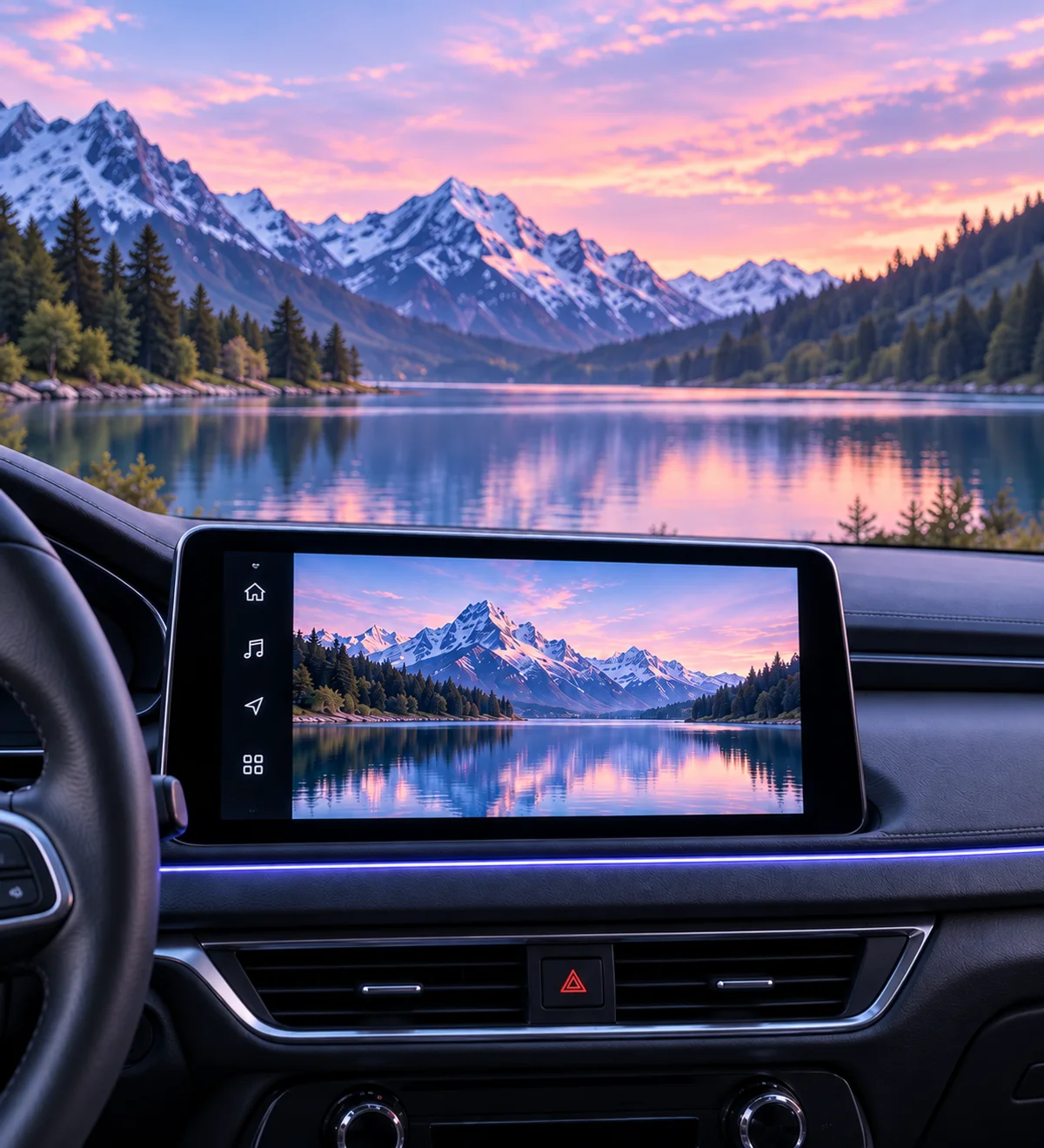 Illustrative use scene
Revisit a travel clip while charging, or enjoy a saved video during a break. The content you already have, with a little more room to enjoy it.
Connect your iPhone using the wired or wireless CarPlay connection your vehicle supports.
Check that the phone says “CarPlay Connected”, then choose Receive Casts or Local Videos.
Tap an imported local video, or tap Cast in a compatible app and select Car Player.
Can’t find the receiver? Check receiving, local network permission and network access. Connection Help and optional discovery enhancement are available in the app.
You need a CarPlay-compatible vehicle. Video output also depends on the system, vehicle and content. Casting requires a source app that supports DLNA / UPnP and provides accessible, playable media. Compatibility with every app or vehicle isn’t guaranteed.
Car Player plays videos and receives casts; it does not mirror your entire iPhone screen. It does not include movies, TV shows or subscriptions to video platforms. Bring content you have the right to play.
Local videos fully imported into the app can play offline. Cloud files may need to download before import. Casts from other apps and network media depend on their source and network connection.
Watch only when legally and safely parked. Drivers must not watch or operate video playback while driving, and passenger use must not distract them. Follow local traffic laws and your vehicle’s safety restrictions.
This optional feature helps with device discovery and requires you to enable it and authorize a system VPN configuration. It handles specific local discovery traffic, has no remote VPN exit and is not a general internet proxy. You can turn it off and manage its configuration in iOS Settings.
No account is required. Local videos and viewing progress aren’t uploaded to our servers. Network videos connect to their content source, and the app uses third-party attribution to measure advertising performance. See the Privacy Policy for details.
Car Player · Coming soon for iPhone